


Notability app is one of the longest-running note-taking apps and is loved by millions of iPhone, iPad, and Mac users from all over the world. It is a beloved app of teachers, students, creators, designers, and more professionals due to its valuable features and also plenty of Notability templates support it. This app has been around for more than 13 years. Since then, the creators of this app have made continuous efforts to improve this app and make it more appealing to the users. As of September 2023, this app has a rating of 4.7 with 34,581 reviews. Currently, the 14.2.4 version is available on the Apple store for you to download. This shows the progress this app has made since its introduction.
This app works with Apple Pencil, and you can use it to write down random thoughts, draw doodles, record audio and video lectures, and convert your written and typed notes into PDFs. In this article, we will look at the features of this app and see why the Notability app is so popular in 2023.
1. Notability App Brings Everything in One Place
Notability is way more than just a note-taking app. The developers of this app have put special thought into recognizing the needs of its users. For example, adding images to your notes might not seem a big deal at the start. But if you ask a science student who regularly needs to add pictures for evidence purposes, this is an extremely useful feature. Furthermore, this app provides you the freedom to crop or rotate your images within the app, give them a caption, or wrap your text around the image.
In addition, if you are taking notes during a lecture, you can turn on the audio recording feature, which will automatically be synchronized with your notes, which makes it a lot easier to review these notes later on.
2. Notability App Has an Auto Backup
The purpose of taking notes is to keep your important information safe. But what’s the point of using a digital note-taking app and not getting backup storage? Notability has your back if your iPad is stolen or lost, as it provides an automatic backup. You can link your Notability app with a number of storage options, including Google Drive, Dropbox, and Box. In addition, you also get WebDAV protocol to link your app to independent hosting services such as OwnCloud or NextCloud. Furthermore, you can convert your notes into PDF, RTF, and other formats while storing them on the backup.
3. Notability Templates
Every one of us has our own aesthetic sense and organizational skill set. Notability provides a wide range of templates and customization options to give its users the freedom to design their templates. If you have a particular design that you regularly use, you can save it as a favourite and reuse it in your future projects. Notability also provides its users the ability to share their templates and designs with the world. You can choose from a variety of Notability templates from the gallery. These templates are designed by keeping different types of tasks in mind. So, in case you feel stuck and don’t really know where to start, you can start by looking for a suitable template shared by millions of Notability users.
4. Page Customization
With the Notability app, you have the option to add or delete pages from a PDF file. This might not seem like a big deal to some, but it can be a handy tool when needed. For example, if you have lecture notes provided by someone in a PDF format and later on, some changes are made in the same lecture, the Notability gives you the freedom to add this new information by adding new pages instead of preparing a new PDF file from scratch. With us, you are easy to find lots of digital notes templates for Notability.
In addition, Notability gives you a smooth experience by adding an indefinite number of new pages automatically. It marks and separates the pages so you can organize your content better. You can also use custom colors for your pages and add a bookmark in your notes.
5. Annotations
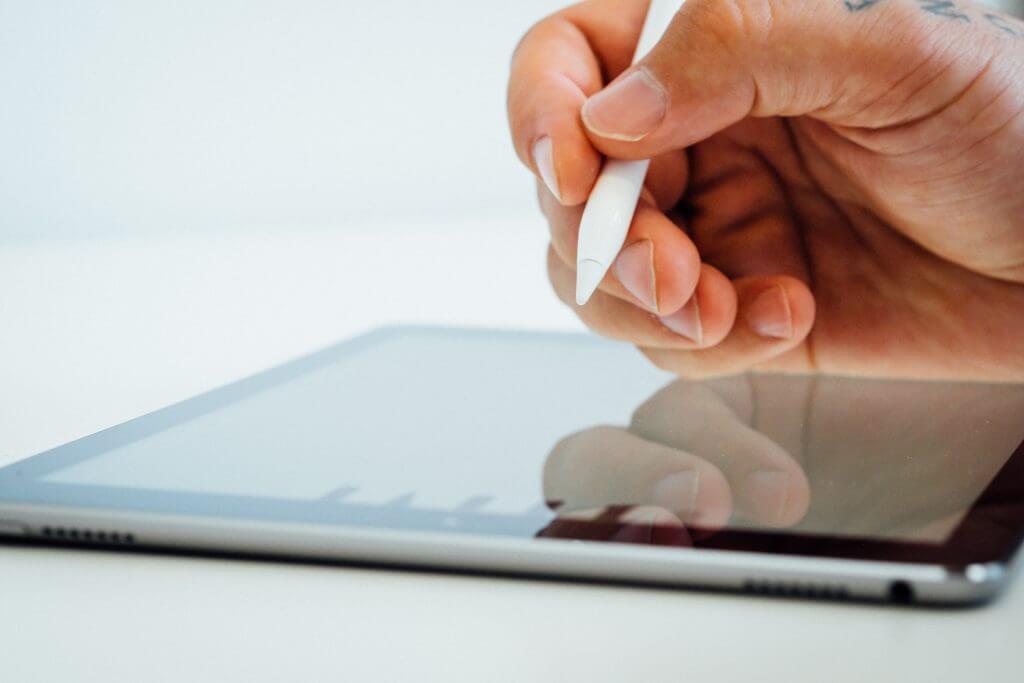
Adding annotations using Apple Pencil is one of the most talked about and valuable features of Notability. Adding annotations while previewing our notes is an effective way of marking and memorizing the critical points and adding comments to make things more clear. You can use this feature with Apple Pencil only. This saves you from adding accidental marks on your notes while using your fingers during scrolling. In case of accidental writing or marks using Apple Pencil, you have an undo option, but unfortunately, you do not get to redo the action, so be careful.
6. Notability App is Free
As impressive as this application is, you might be surprised to know that most of its features are free. This is one of the leading reasons that Notability is so popular in 2023. You can create notes, use annotations, get access to templates, scan documents, share and export files, synchronize audio with your notes, and more features. However, with a free version, you get a limited number of edits per month.
You can also get access to Notability Plus by paying a monthly subscription fee of $4.99 or an annual subscription fee of $14.99. You will find variations in these prices according to the region you’re located in. By paying this amount, you will get access to unlimited edits, auto-backup, math conversions, and many more cool features like hand-drawn stickers.
7. Design
Notability has a simple yet powerful design that is easy to learn and use. As mentioned earlier, their developers have always paid attention to the users’ reviews and made continuous improvements in their app designs. One example is that with the latest app version, you get more page space with a bit of space taken by the toolbar. Such features have helped increase the productivity of this app.
8. Audio Recording
Taking notes is a way of making sure you do not forget important information. But you might miss some information while writing notes during a lecture or a meeting. To avoid such drawbacks, Notability App allows simultaneous audio recording while you are writing your notes. Plus, this audio recording is synchronized with your notes to make your notes more efficient. You can also merge, rename, split, or trim this audio afterwards.
Notability for Windows
Unfortunately, Notability for windows is not available. However, Windows users can use alternative note-taking apps, such as:
- Microsoft OneNote
- Notion
- Evernote
- GoodNotes
- Zoho Notebook
- ClickUp
- Squid
- NoteLedge
Conclusion
Notability is one of the most downloaded note-taking apps for iPhone, iPad, and Mac users. With 13 years since its launch, the popularity of this app has only increased. Today, the Notability app has millions of users from all around the world. It is equally popular among creators, students, artists, and mathematicians due to its diverse useful features, thousands of free templates, and simple interface. It offers all the tools one can use to make their note-taking experience smooth and efficient. Plus, you get to enjoy this app for free or buy a monthly or annual subscription to unlock all of its perks.